Mentor features: Schedule
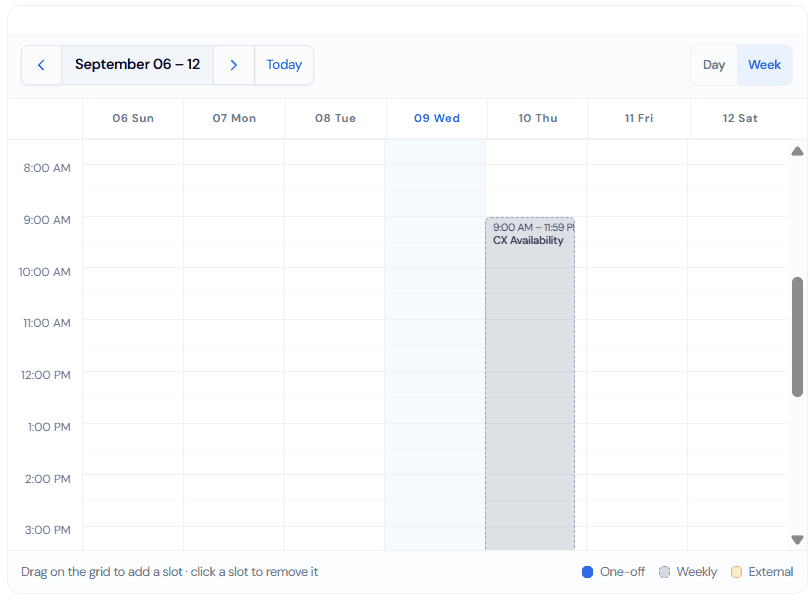
With the schedule feature you will be able to manage your sessions’ availability. Here you will be able to sync your Google calendar so you can directly receive booking information. You can set up a weekly availability, where you can edit the specific days and hours you can have sessions. You can also add a specific availability if you, by any reason, happen to have more time available.
The main items are:
- Weekly hours
- Specific availability
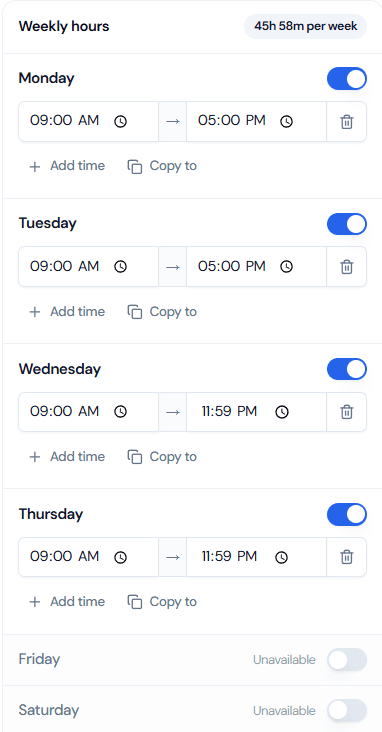
On “Weekly hours” you will be able to set your ongoing weekly availability, this way the software will automatically show the times you can be attending meetings. This is an example of how it will look like on your screen:
On the other tool ,you will be able to add any specific “free-time” you have during the upcoming week(s). To add it, you only have to click the specific day and time and drag it. To delete it, just click the event you created and press “continue”. The event look like this: