Mentor features: Profile
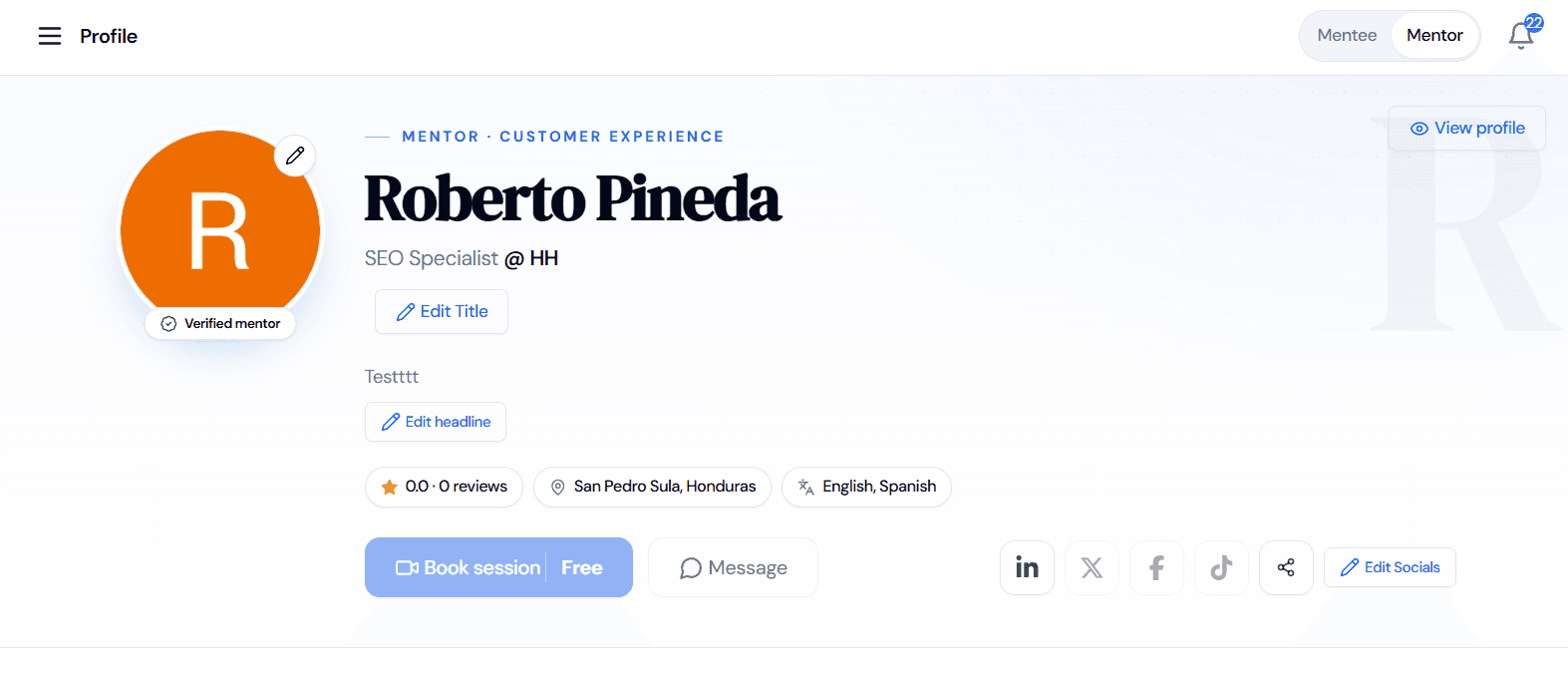
All the information about your profile can be edited here. The main information is, your image, your name, your role and company, languages you speak, your city, the date you joined, reviews, price per session, call duration, your next available day, social media links, bio description, your expertise, industries, and toolkits you have experience on.
The main items are:
- Profile picture
- Personal Information
- Company you work with
- Job role
- Headline
- Reviews
- Your location
- Languages you speak
- Book a session
- Message
- Socials and personal website
- About
- Experience
- Expertise
- Industry
- Toolkit
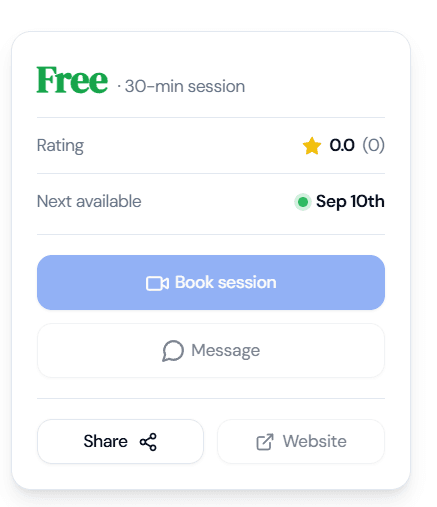
The first things you’ll see in your profile are the following: Your profile picture, your name, role and company, introductory headline, reviews' summary, your location, your languages (which are vital for the mentees to know how to communicate with you), book a session button, message button, your social links (this way they can have an overall idea about you), and a personal website which can be a great way for you to expose your previous work, helping mentees see more about your skills. Mentees will be able to see your reviews, price per session, call duration, and your next available day.
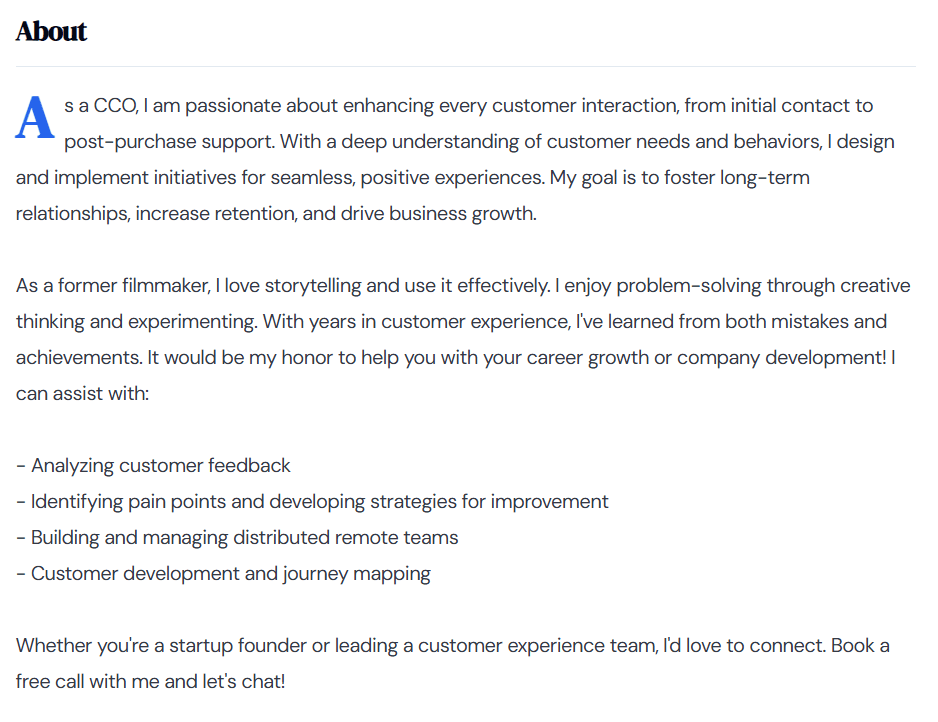
Then you will have your bio where you can explain a bit about you to introduce yourself to all Mentor CX’s users.
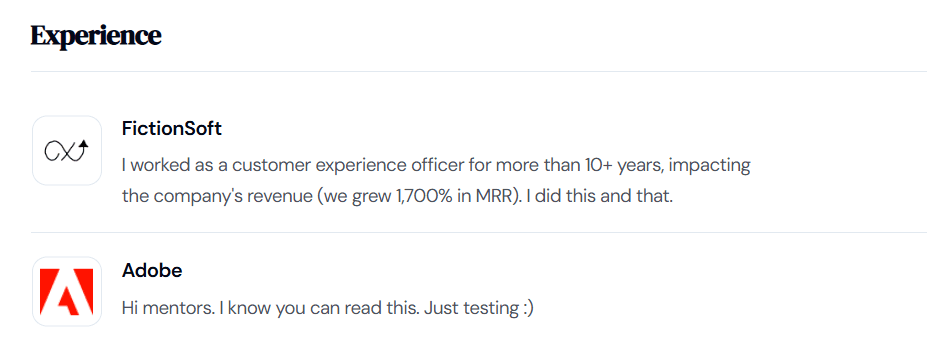
In “Experience” you can include your company’s logo, your role and explain more in-depth about what you do for a living.
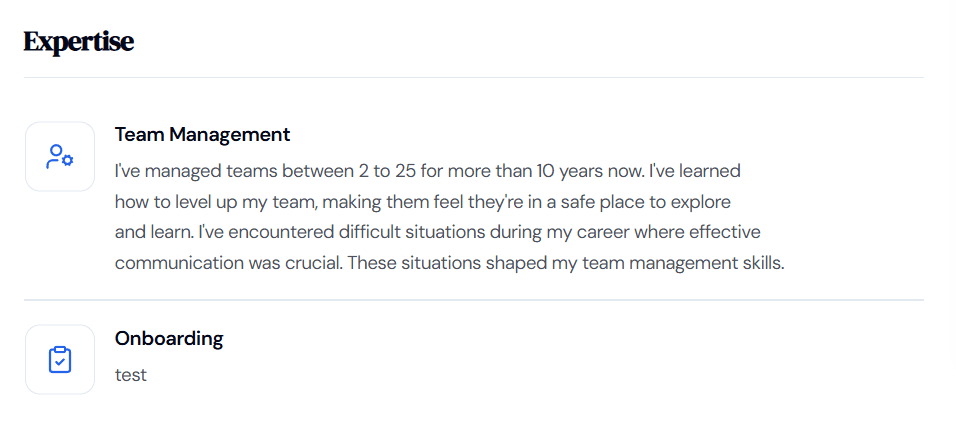
In “Expertise” you can edit all your professional journey and leave a description of how many years you have been working on the roles you include here.
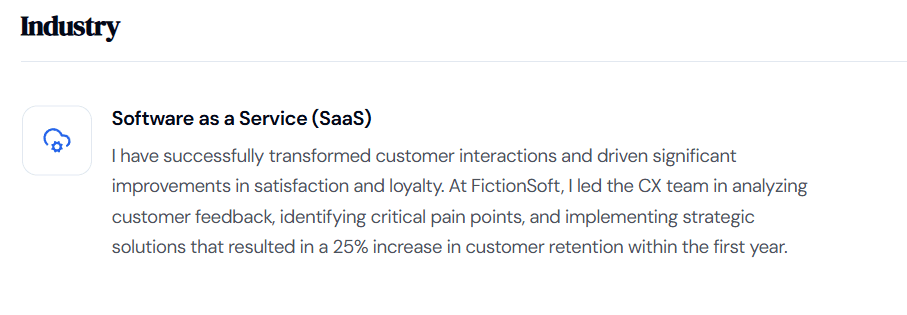
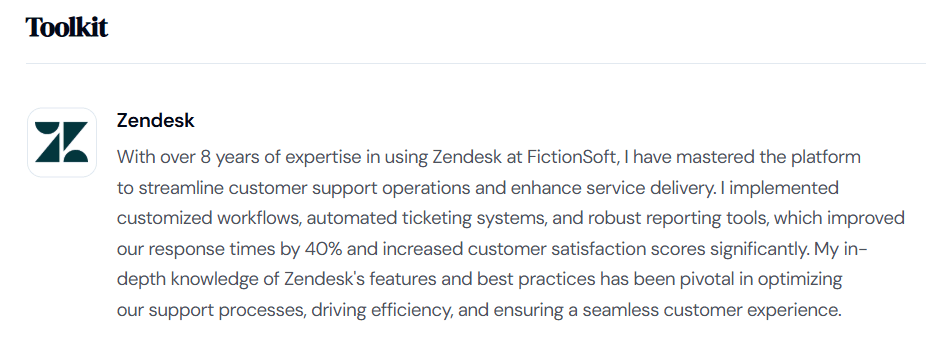
In the “Industry” you can explain the industries you worked with. In “Toolkit” you can also add the software you have worked with in order for your mentees to know your level of knowledge and how you can help them solve their issues in the best way possible. We have a list of predetermined roles, industries, and tools that you can choose from in the “add” button.
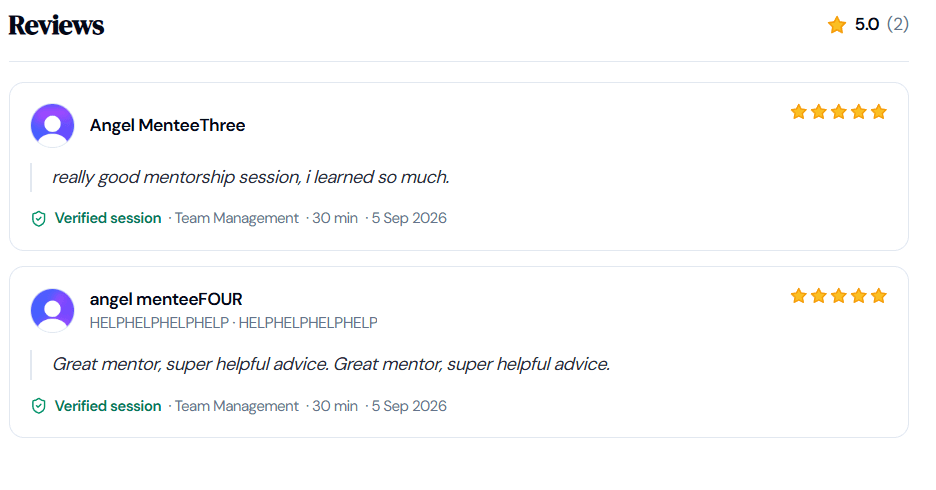
The last thing that you will see in your profile are the reviews left by the mentees that you have been in sessions with.