Mentee features: Settings
“Settings” is the place where you can edit the following information: City, Country, Languages, and Time zone.
The main items are:
- Manage account
- City
- Country
- Languages
- Time zone
While on settings you can edit those 4 information pieces that will be displayed on your profile.
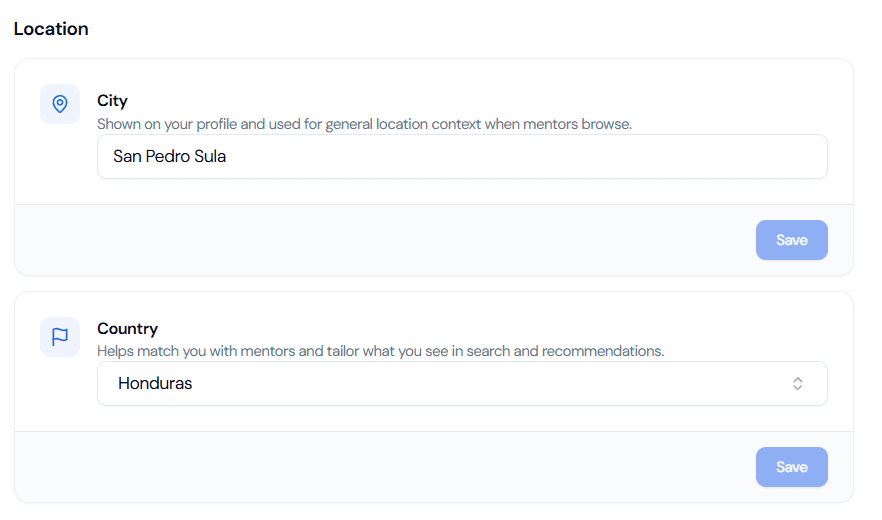
Here you will be able to write down the specific city where you are located, this combined with your time zone and country will allow your mentor to have an idea of your time. On “country” you will have a predetermined list for you to select.
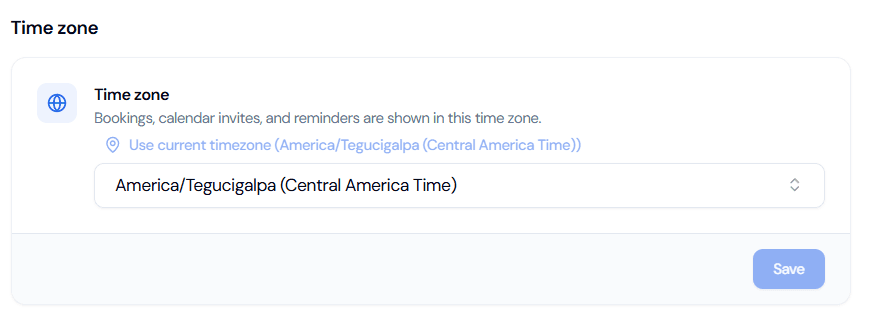
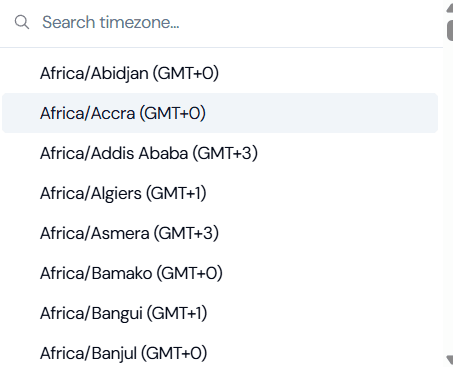
Here’s an example of how you will be able to select the time zone you are in.
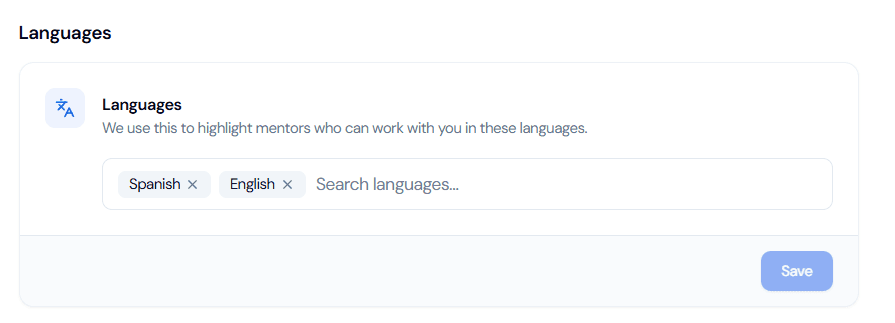
“Languages” will help your mentor know how they can communicate with you, and for you as a mentee, you can also see the languages they speak, so you can know if they are a good fit for you. As with “Country” and “Time zone” you will have a predetermined list.