

How to create a mentee account?
How to create a mentee account?
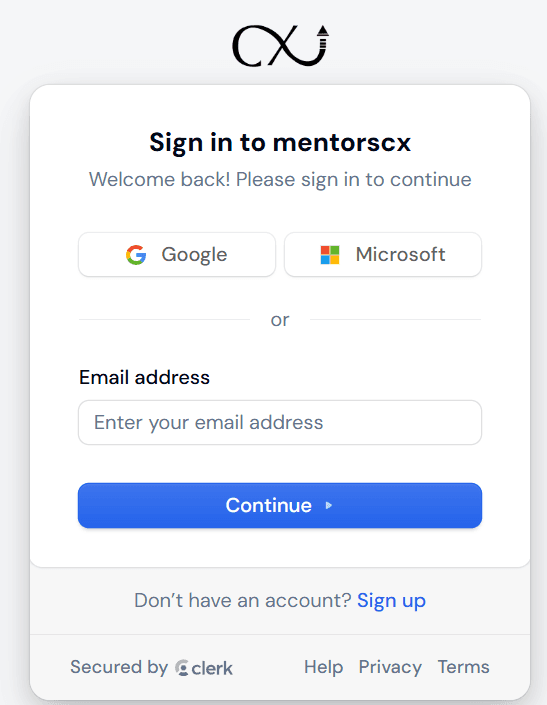
We are happy to see you are interested in starting your mentoring journey with us. The first thing you need to do is to create a mentee account, but how can you do this? First of all, head to the Mentors CX website and there click on Sign-In, then click “Sign Up” at the bottom.

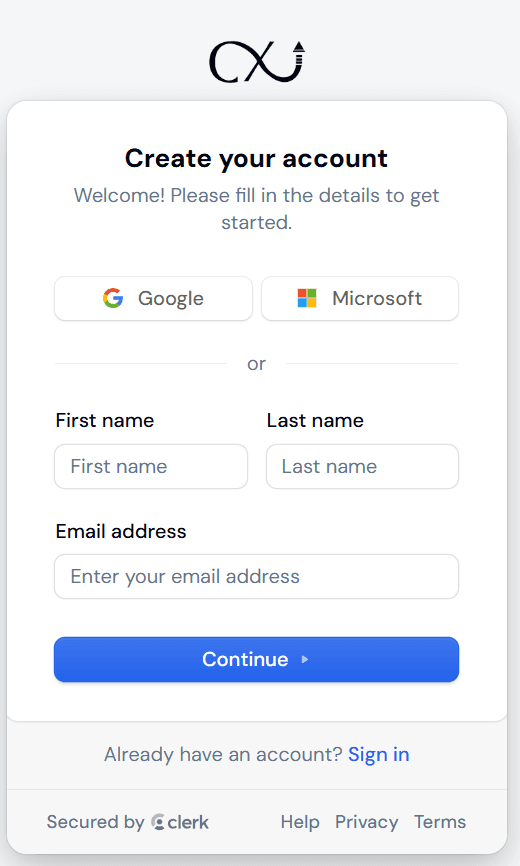
After that you will be redirected to the “Create your account” form where you will need to fill out the information, your first name, last name, and email address, after filling it out, click continue and you will be redirected to the email confirmation page.
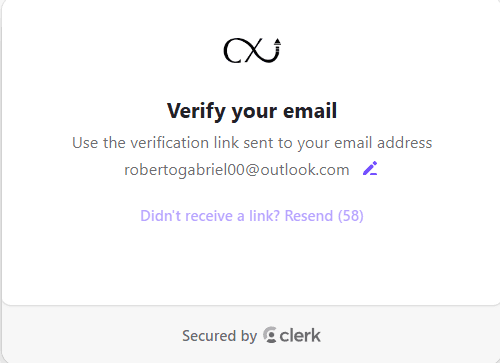
Go to your email and confirm it, after that you are all set! You already have a mentee account and can now browse our platform with your new account. Enjoy a free session as soon as you confirm your information and create your account! If you want to continue experiencing the full mentoring experience, go ahead and check our Membership options!