

How to use our Feedback tool?
How to use our Feedback tool?
First, head to your account and once you are there, click on the “Dashboard” feature. From there you can scroll down and at the bottom you will see the “Give Feedback” button that will take you to our Feedback page.

Click on the button and once you are on the Feedback page, here is what you will see:

Feedback page
On the Feedback page you will see the following features:
- New posts
- Top posts
- Trending posts
- Search bar
- Filter
- You can filter by: Status
- Board
- Tag
- ETA
- Created date
- Create a new post
Here’s what the Feedback site looks like:
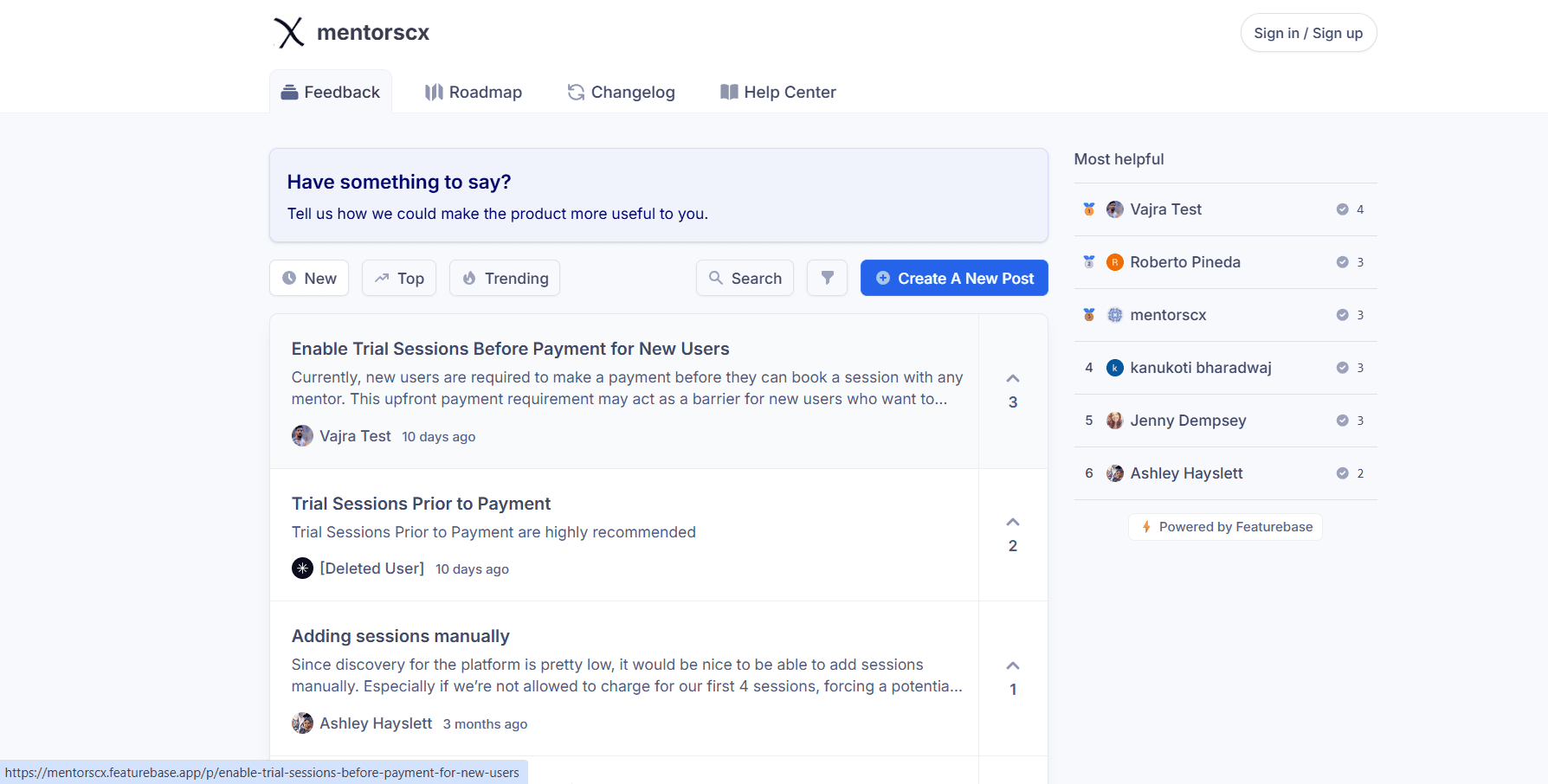
Here you will be able to read all the feedback comments/posts our users have created, selecting the new, top, or trending posts. You can search directly on the Search bar specific posts, and you can also filter them based on Status, Board, Tag, ETA, Created date, and you can also create a new post.
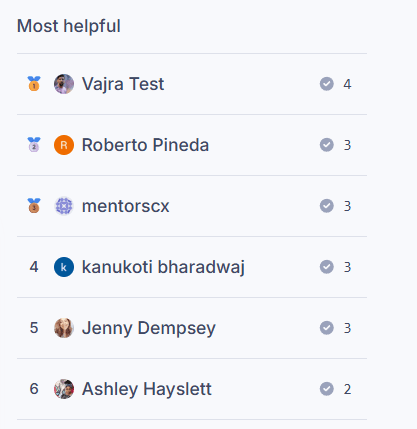
You can click on the “Create a new post” button to leave us your comments, please let us know where we can improve or what you think we can change to enhance user experience. You will be able to upvote those posts you think are the most useful and at the top-right you will see the most voted entries.
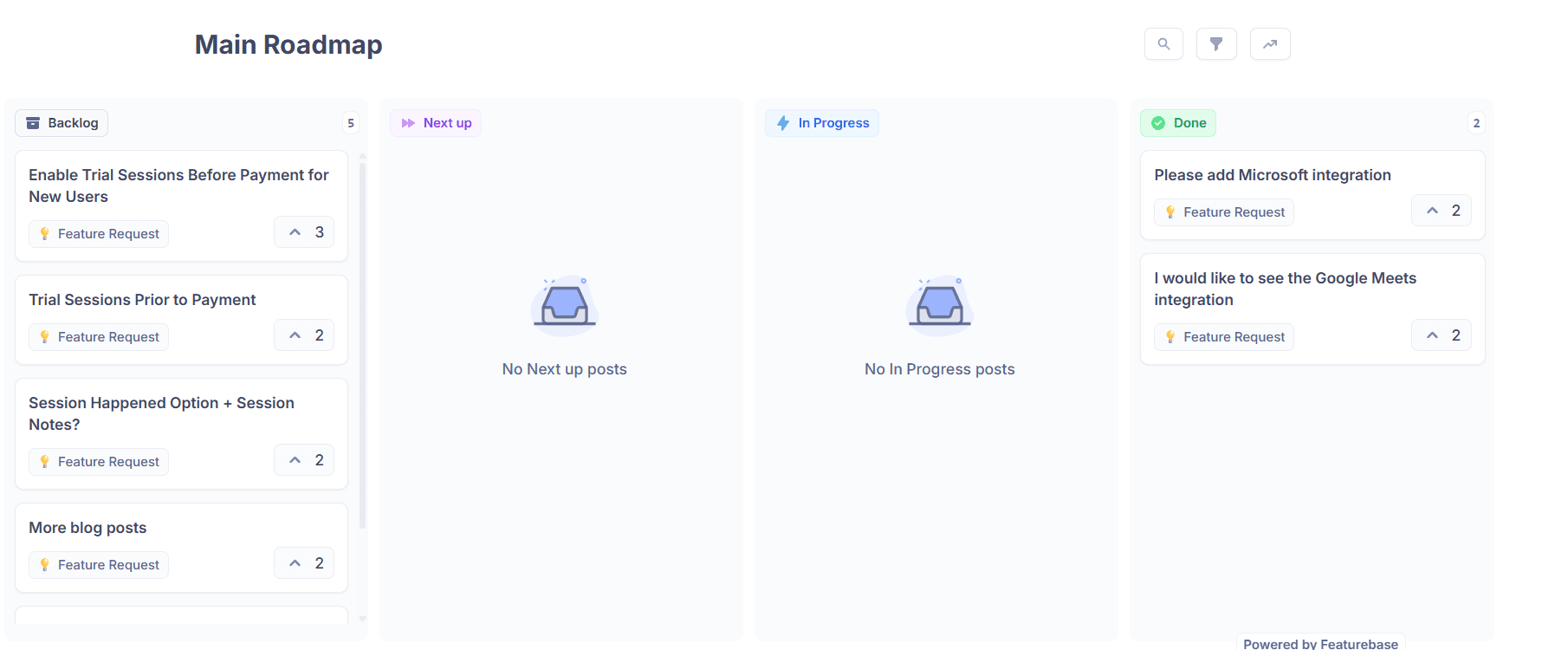
Roadmap page
Here you will be able to track how we are advancing on implementing and updating the feedback you and other users have written down. Here you have the following steps depending on the working stage:
- Backlog
- Next up
- In progress
- Done
You will also find a Search bar to look for specific posts and the same filters from the feedback page including the new, trending, and top upvoted posts.
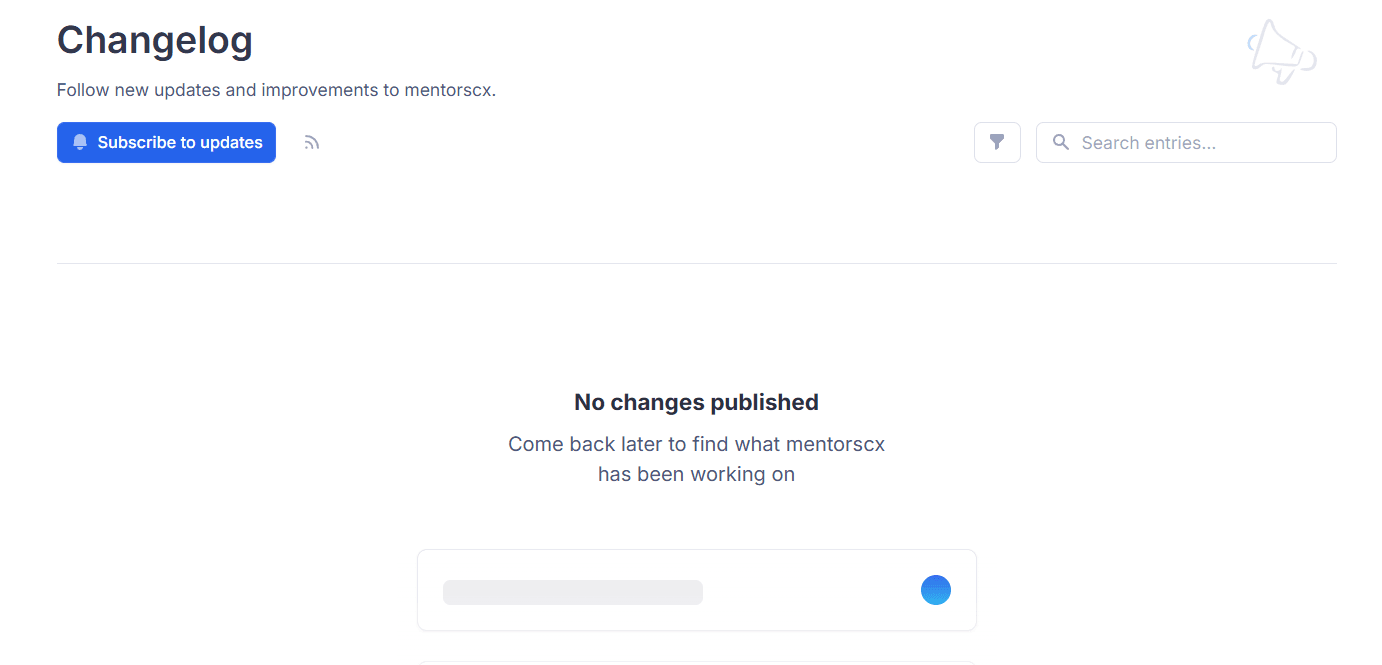
Changelog page
Here you will be able to subscribe to receive updates and notifications once we publish changes based on the feedback posts. You will be able to filter and search for specific posts.
Hope this helps! If you have any additional comments/questions about the Feedback tool, do not hesitate to let us know.