How to access our Support Center?
Support/troubleshootingUpdated about 1 year ago
How to access our Support Center?
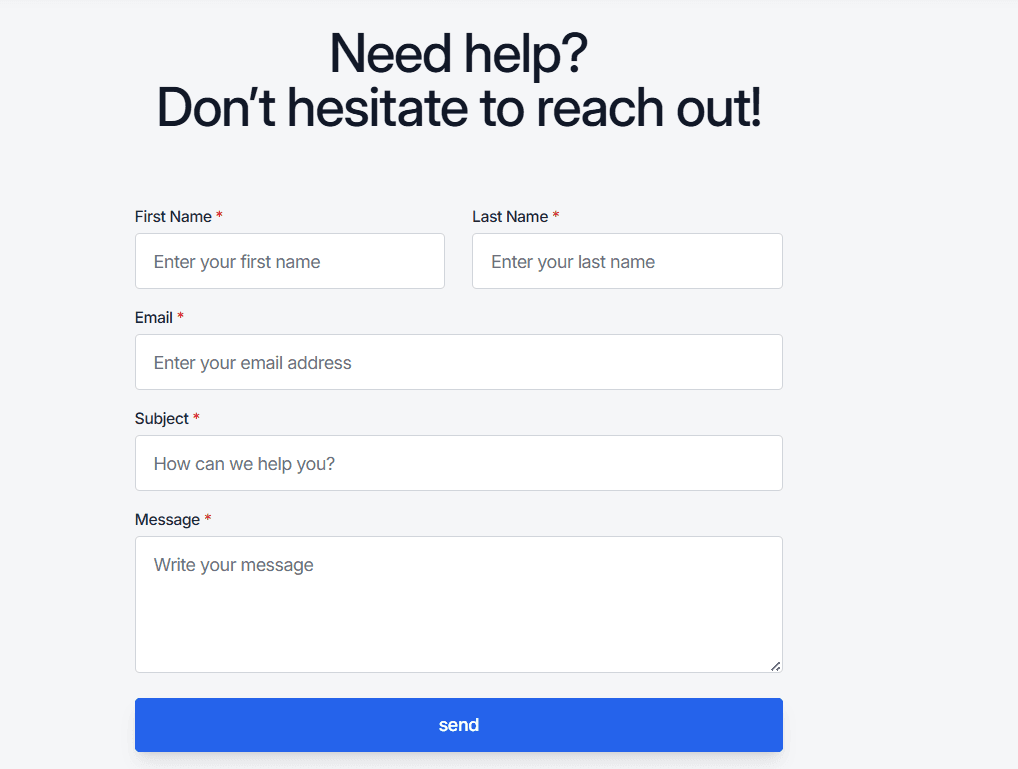
Mentors CX’s Support Center is meant to facilitate the ticket creation process, we want to help you with any question or issue that might arise while you use our software. That’s why our Support Center access is right through the main navigator or at the website’s footer.

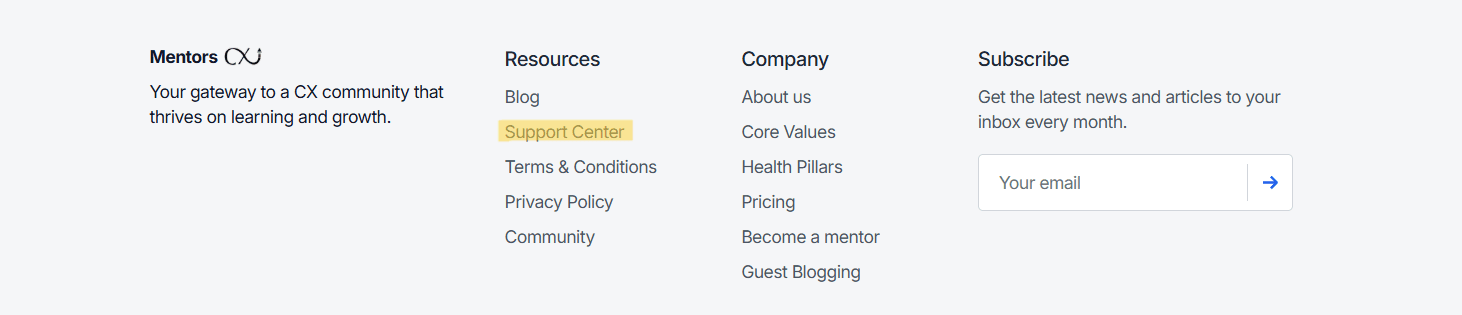
You will just have to click on the “Support Center” option and you’re ready to go. Our Support Center lets you create a support ticket by filling a quick form, just make sure you fill in all the needed information and the ticket will be created. You will receive an email confirming the ticket’s creation, after that you will be able to review the ticket status and will receive any updates regarding your issue.